✦ Real Estate AI Agent
Visual Prompt Studio AI Agent
Prepare property-specific image and video prompts for a consistent marketing look.
Watch the workflow
See Visual Prompt Studio in action
A short walkthrough of the inputs, review steps, and prepared outputs.
Captions are available in the video player.
How it works
From input to a useful next step
The agent prepares material for your review. Verify property facts, dates, and client-facing details before sending or publishing.
01
Enter property features, style, and target platform.
02
Review image, video, and platform-specific prompt variants.
03
Use negative prompts and usage notes to guide production.
Full-page example
Explore the example PDF
Scroll through the complete example at the full content width. On a phone, the full-length page preview appears below.
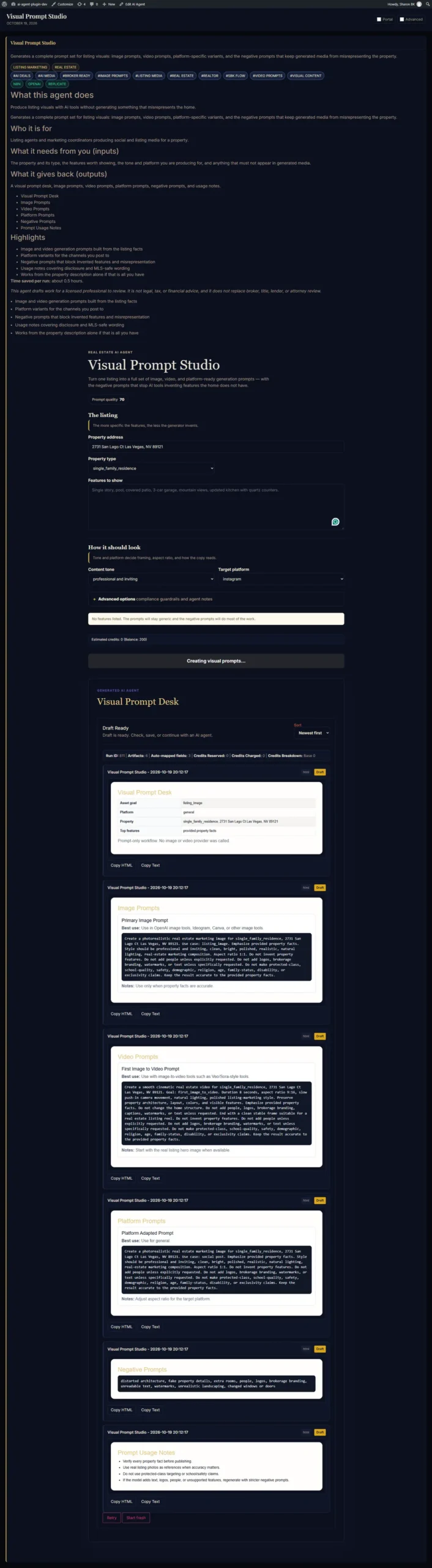
Open or download the PDF ↗Example workflow capture; review output before real-world use.
Explore the other agents
See all nine demos in the real estate agent library.